
How to Deactivate Assets in Komodo Web Wallet
-
In a new browser tab, open Komodo Wallet Web Version in your browser and CREATE or IMPORT your wallet
-
Open the Wallet tab and click the “Remove assets” button.
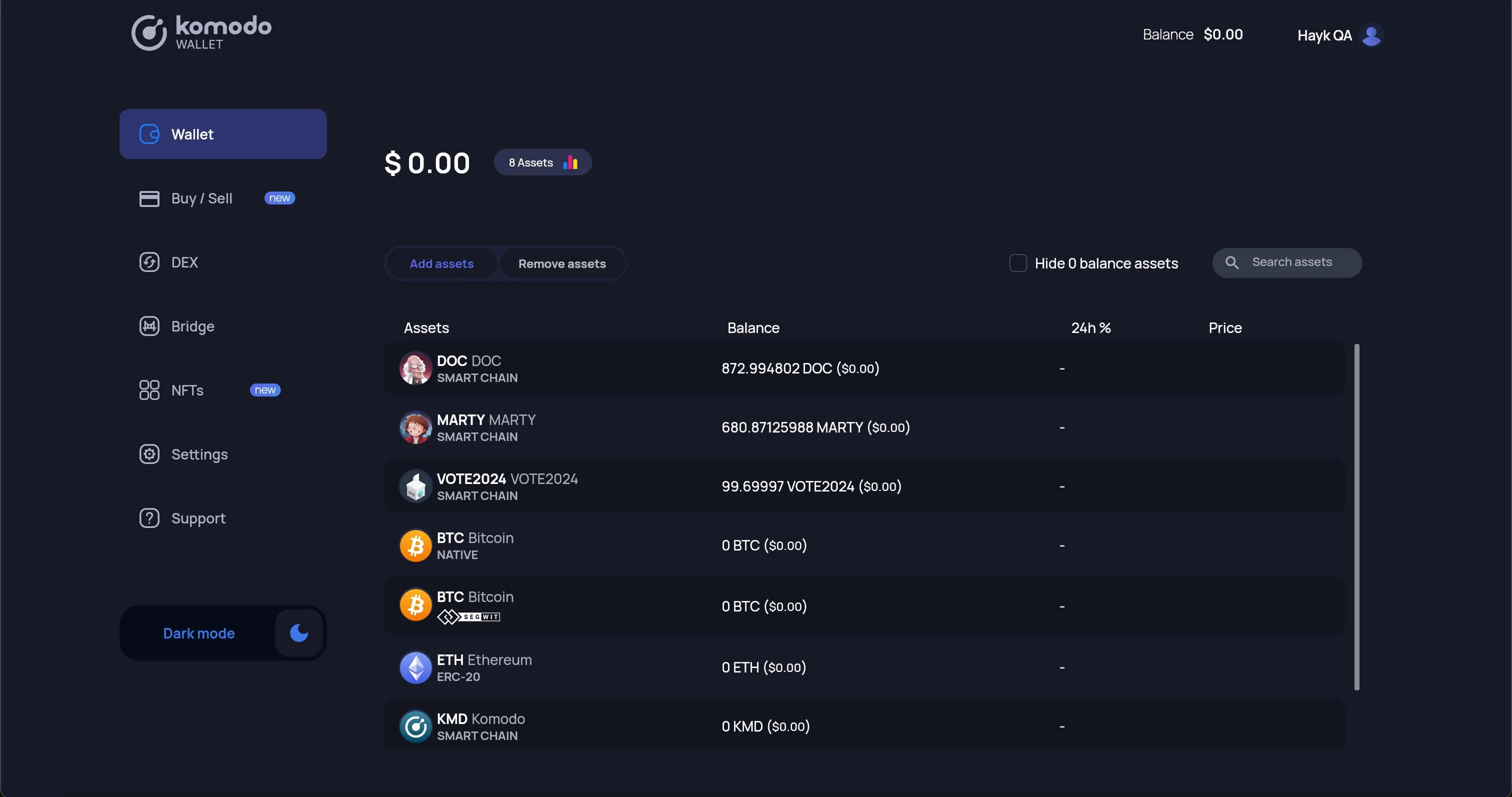
- You will see the full list of your activated assets and balances.
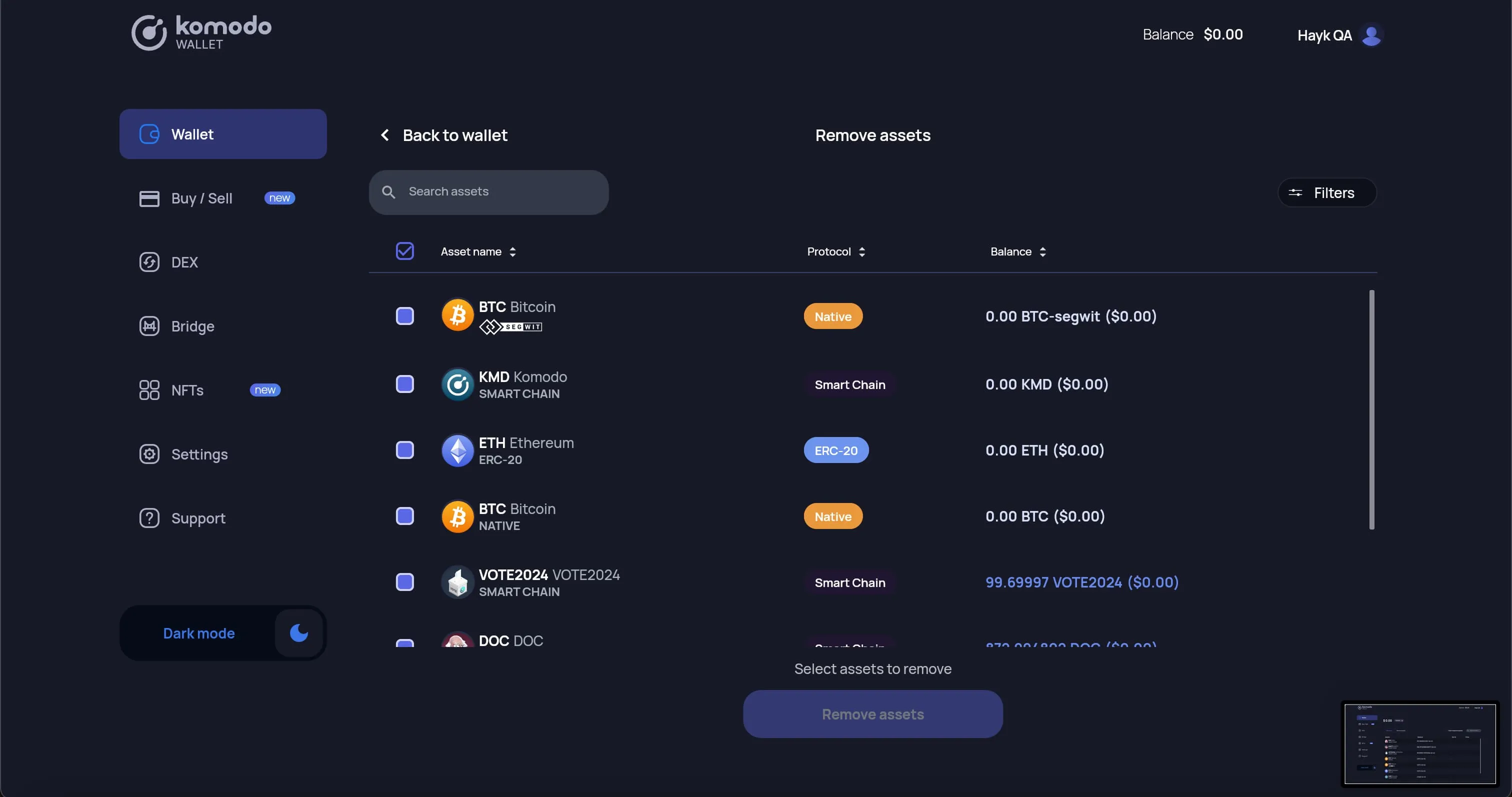
- Use filters to see only the Protocols you are interested in, or use the searchbar to filter by name or ticker.
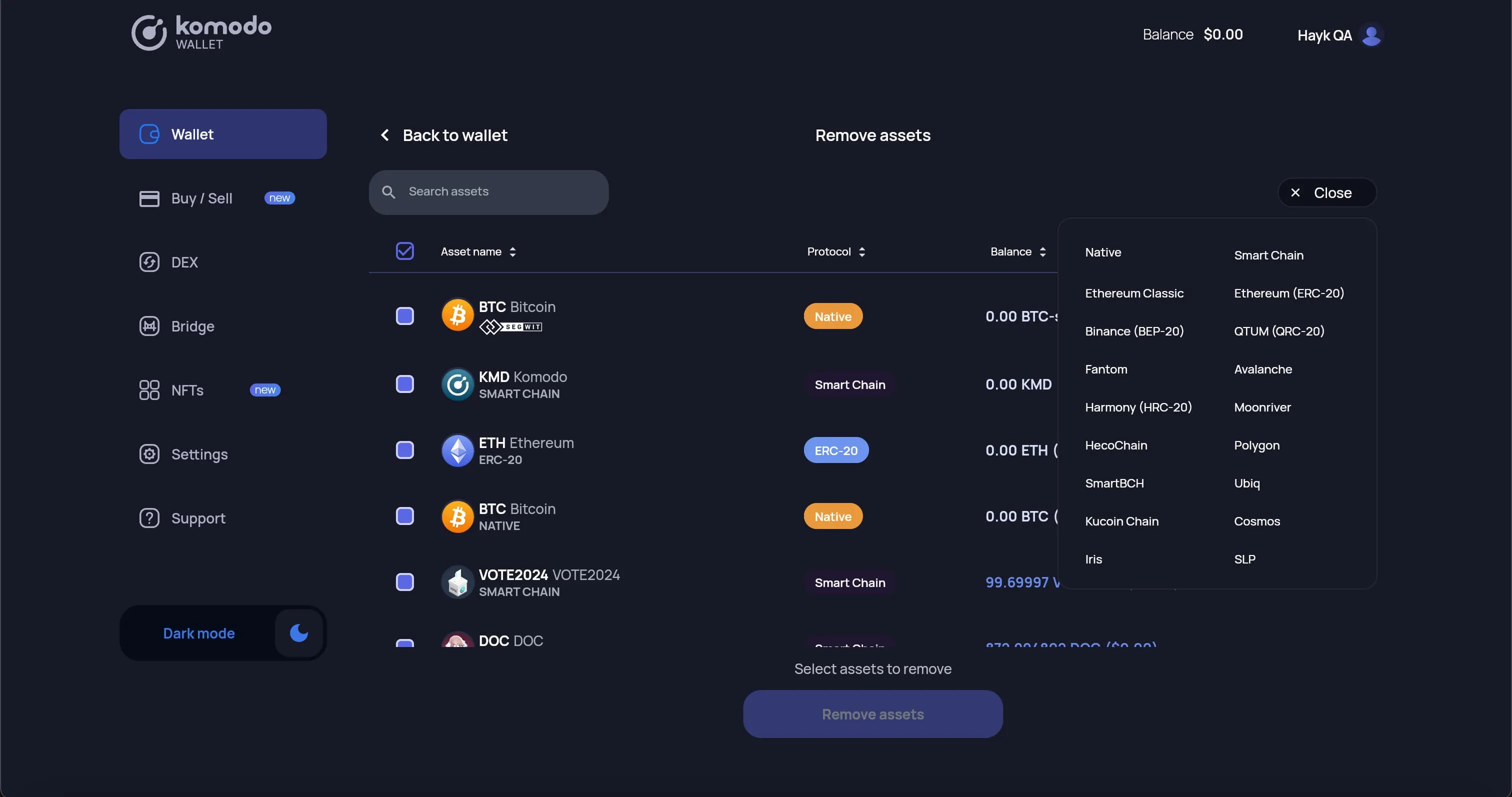
- Select all the assets you want to deactivate, then click the “Remove assets” button.
- NOTE: you cannot deactivate default assets (KMD, LTC and BTC) or assets which have a swap in progress.
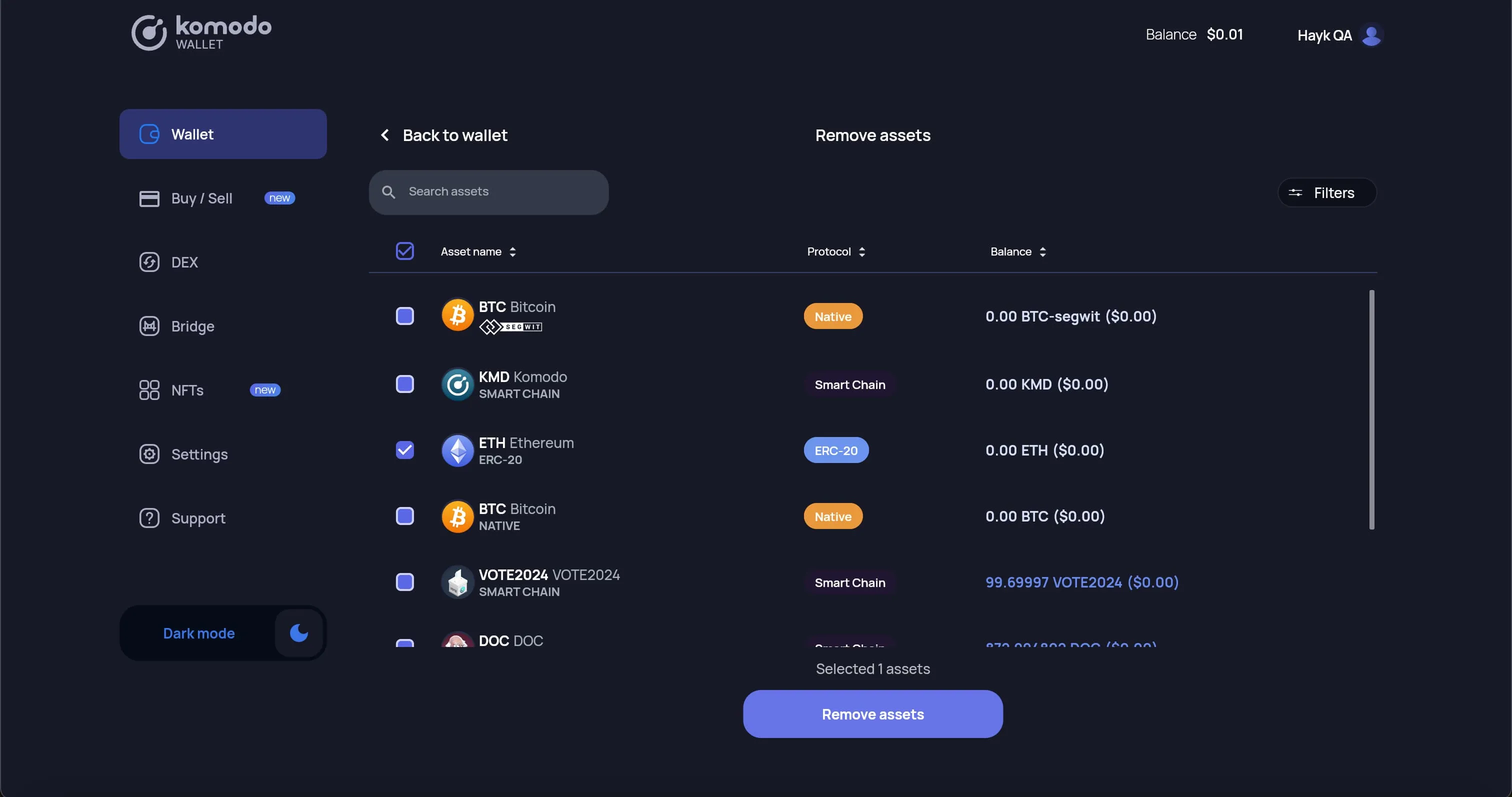
- Selected assets are now removed from your wallet page :slight_smile: You can always activate any asset again later.