How to View Your Receiving Address to Send Funds for Trading
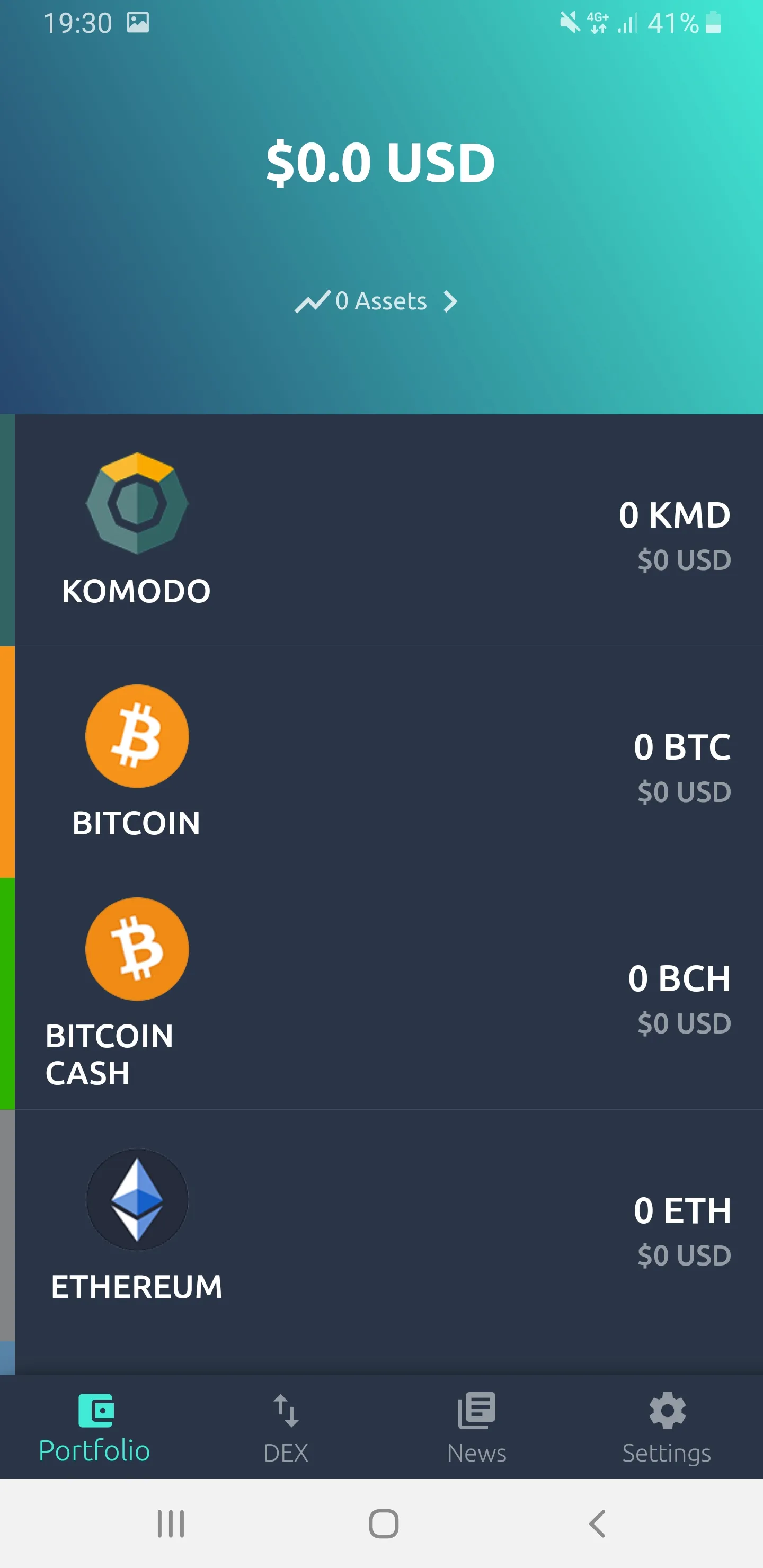
- From the “Portfolio” tab, select the coin for the receiving address to view
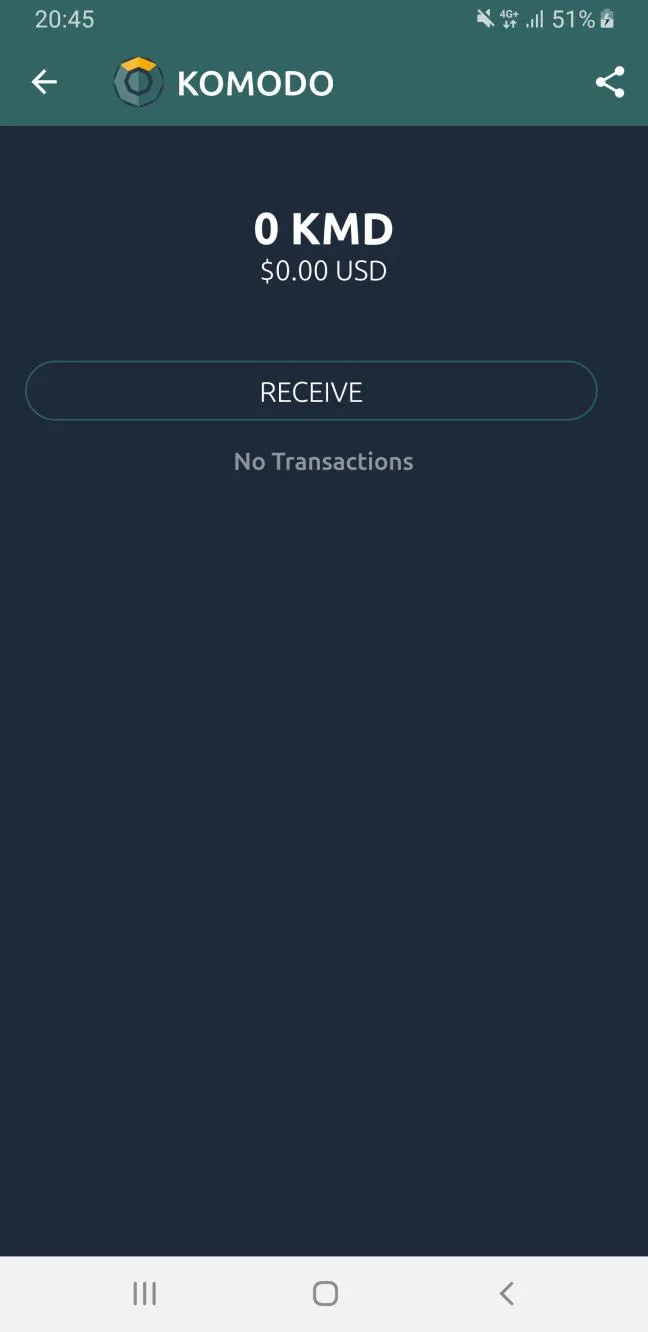
- On the coin page, press the “RECEIVE” button
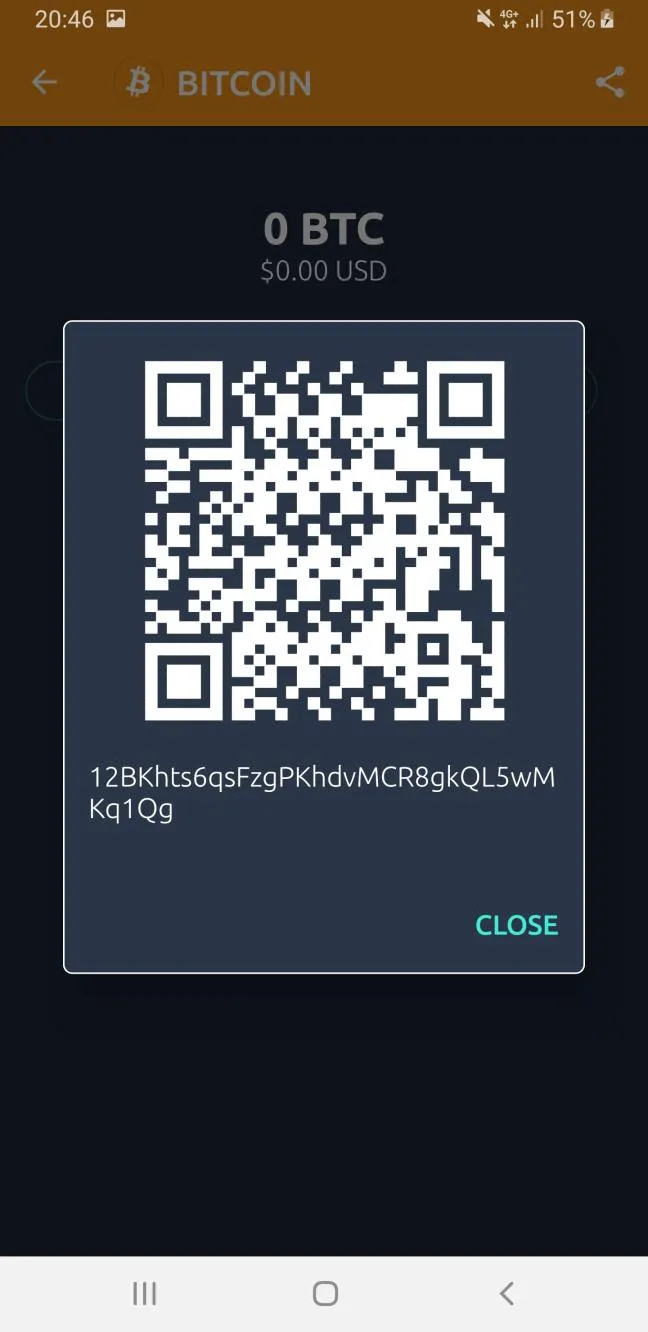
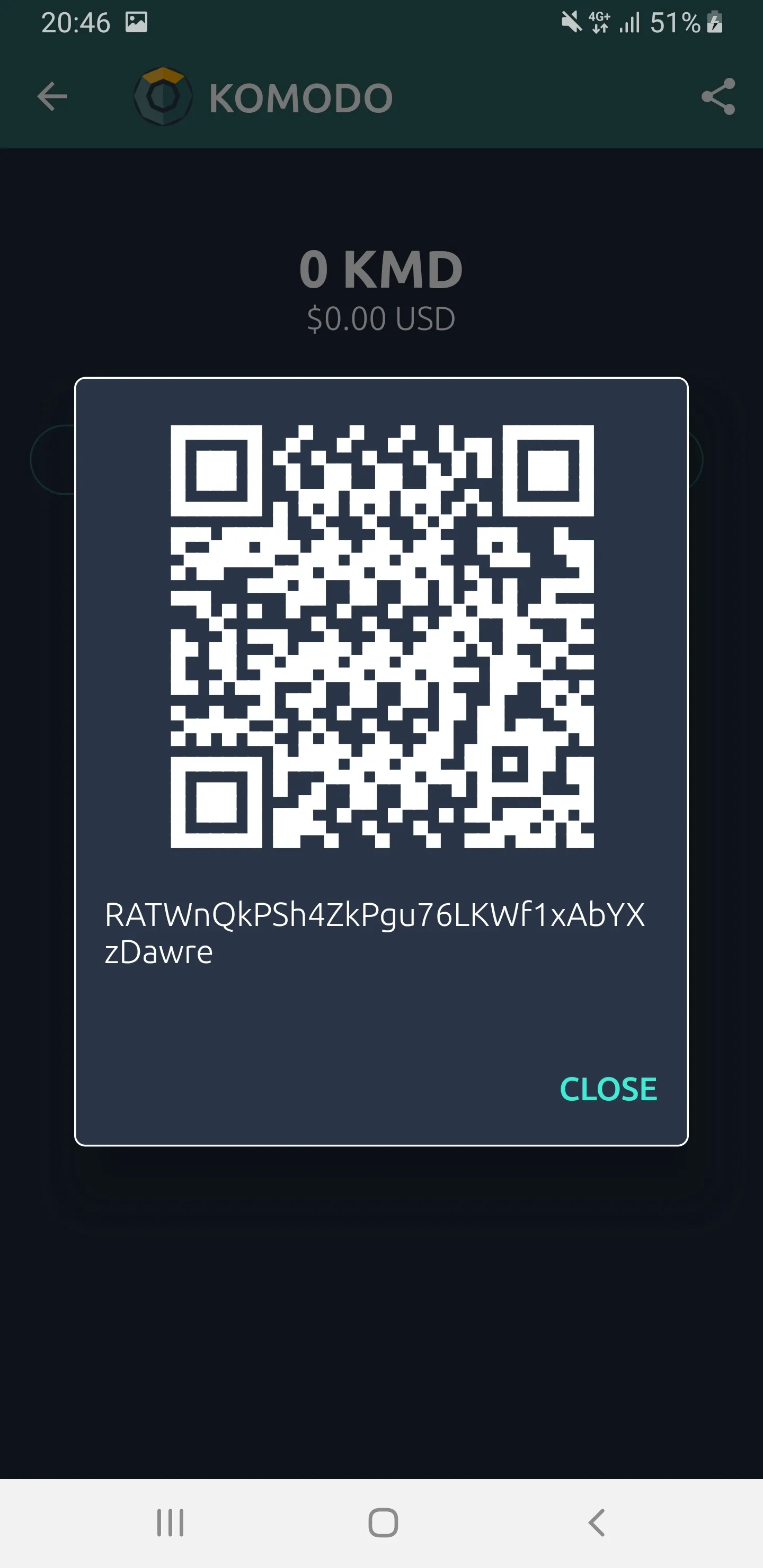
This will display your receiving address, including a QR code of your address.
Different coins may have different receiving addresses derived from your seed.
On the other hand, Komodo (KMD) and any other Komodo-based Smart Chain will have same address.
Example of a KMD receiving address.
Example of a BTC receiving address.