How to Withdraw or Send Funds Using Komodo Mobile Wallet
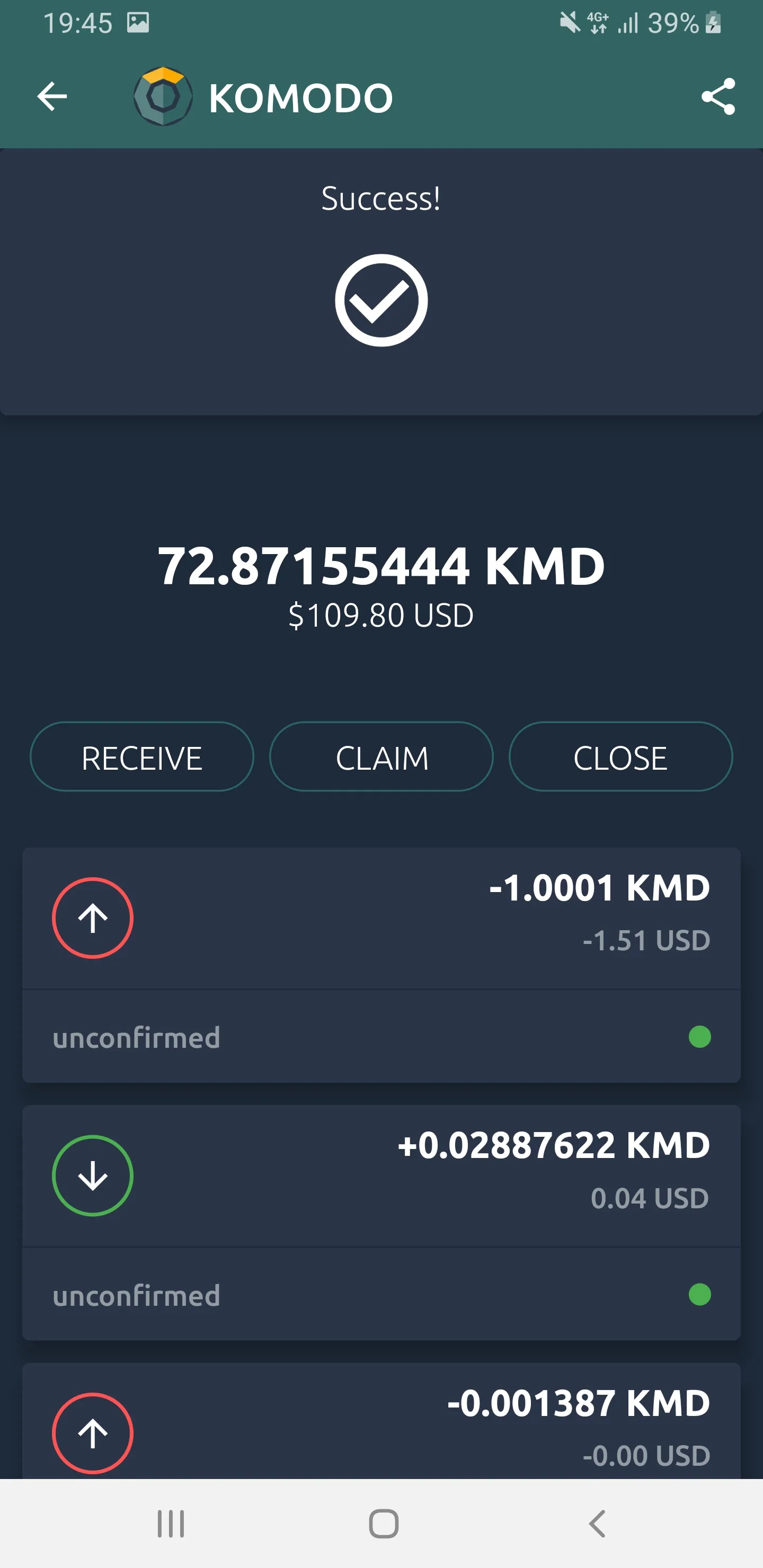
- On the “Portfolio” page, click on the coin you want to send and press the “SEND” button
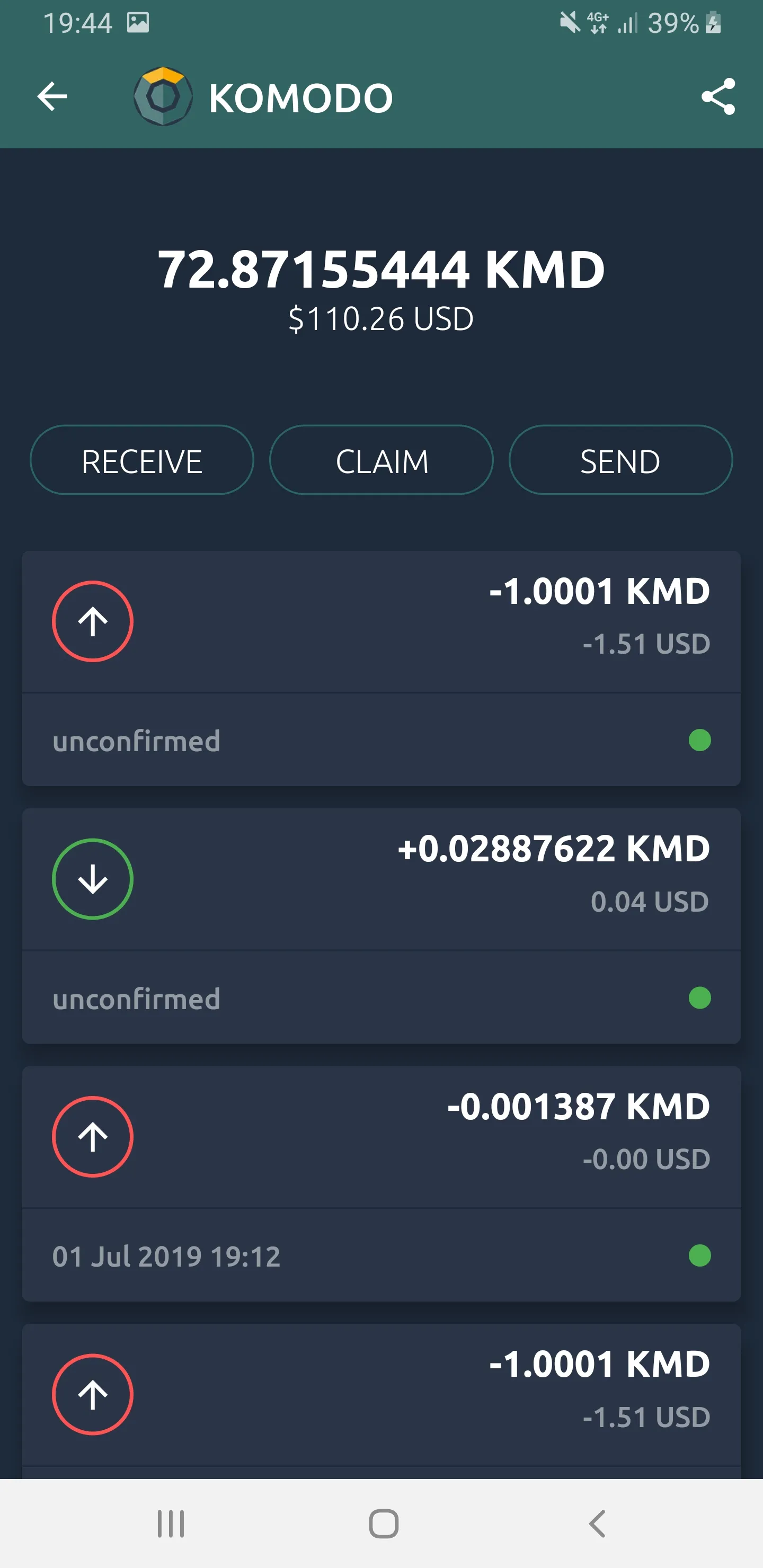
- Enter the amount and the destination address
You can also use a QR scanner by pressing on the camera icon on left.
- Then press on the “WITHDRAW” button
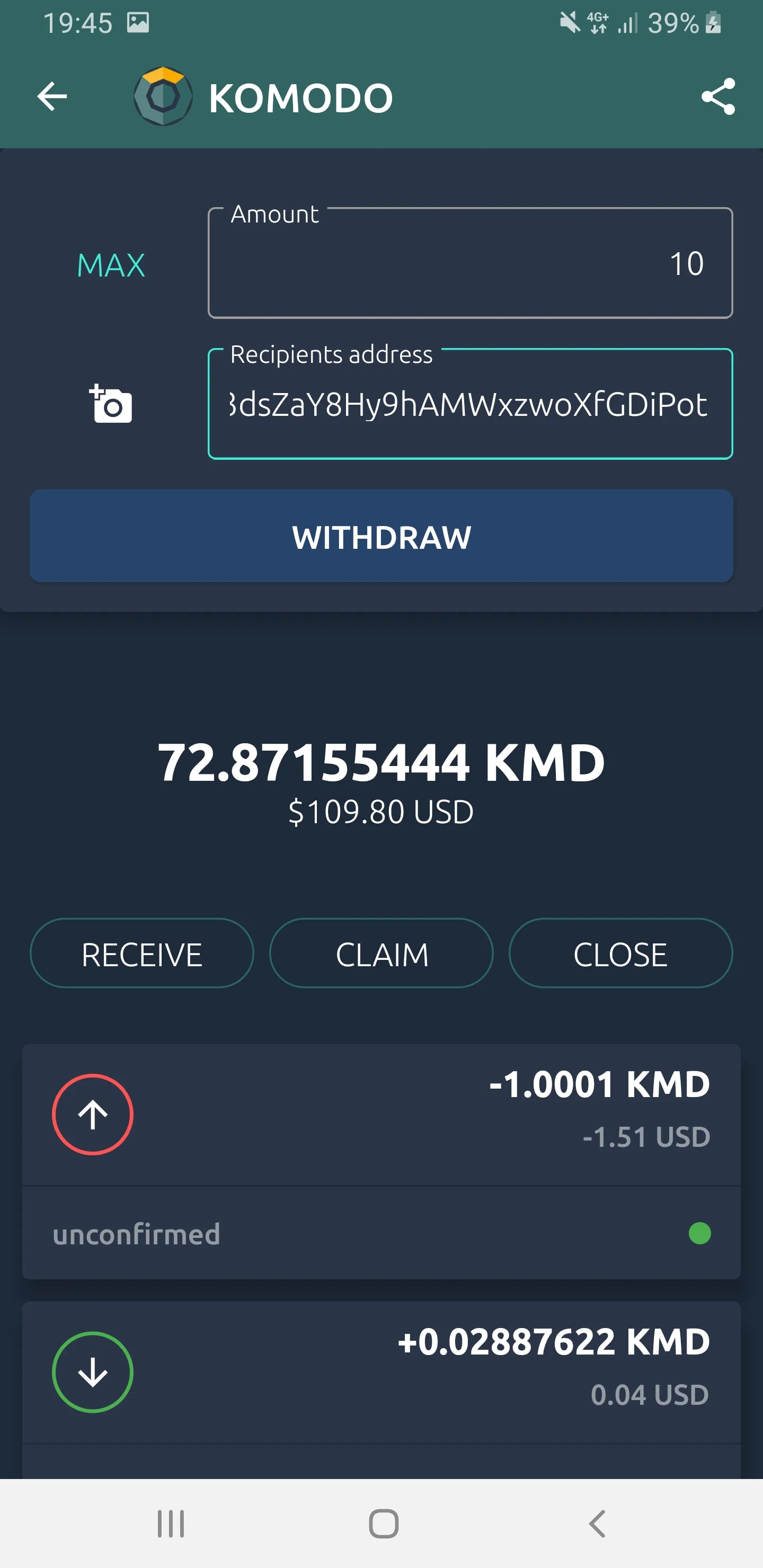
On the next screen you will be shown details of your transaction.
- If you are satisfied with the details, press the “CONFIRM” button
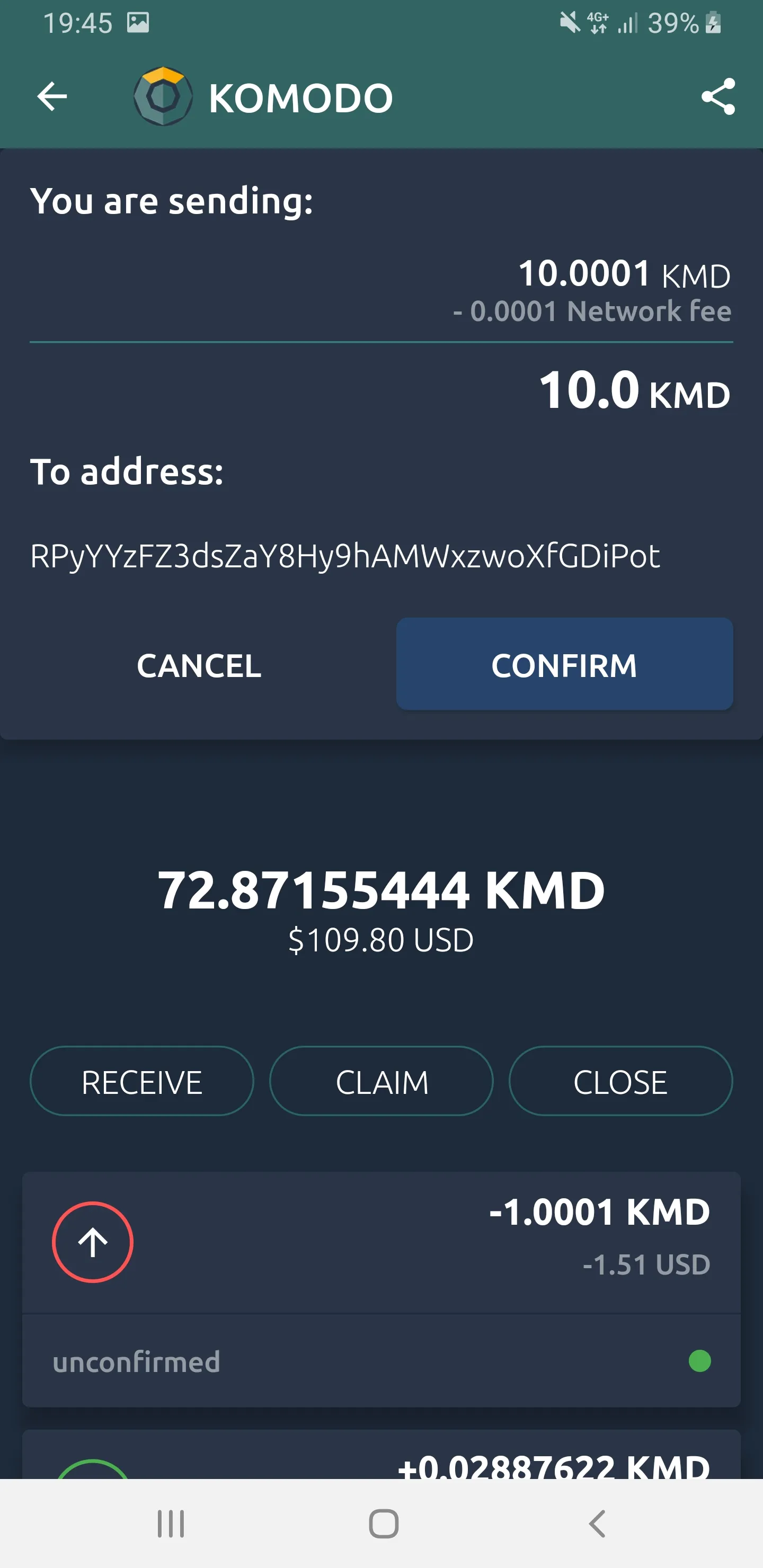
Once your transaction is completed you will see a “Success!” message.
You may check the block explorer of your coin to verify the transaction, if you like.