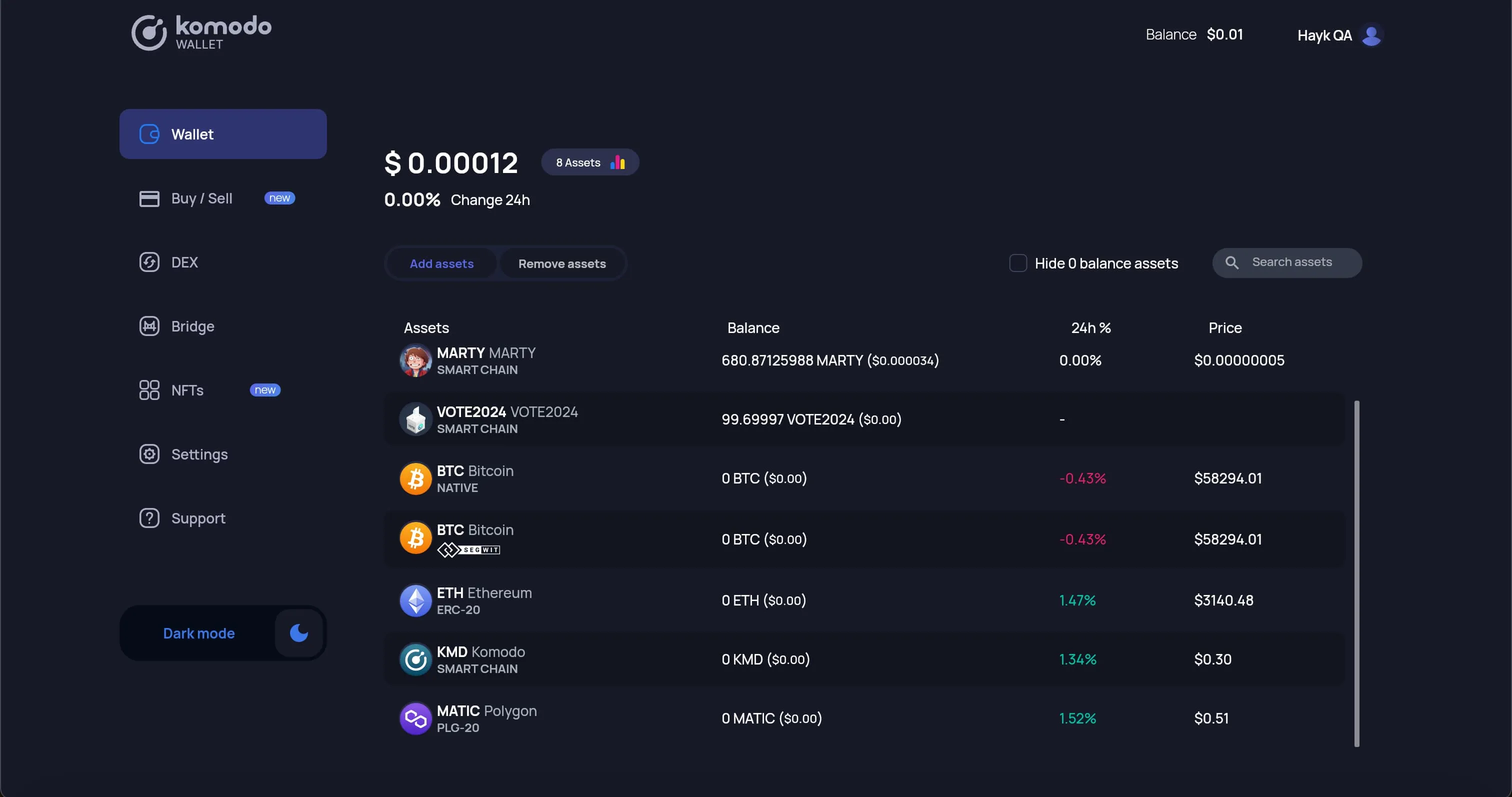
How to Activate Assets in Komodo Web Wallet
-
In a new browser tab, open Komodo Wallet Web Version in your browser and CREATE or IMPORT your wallet
-
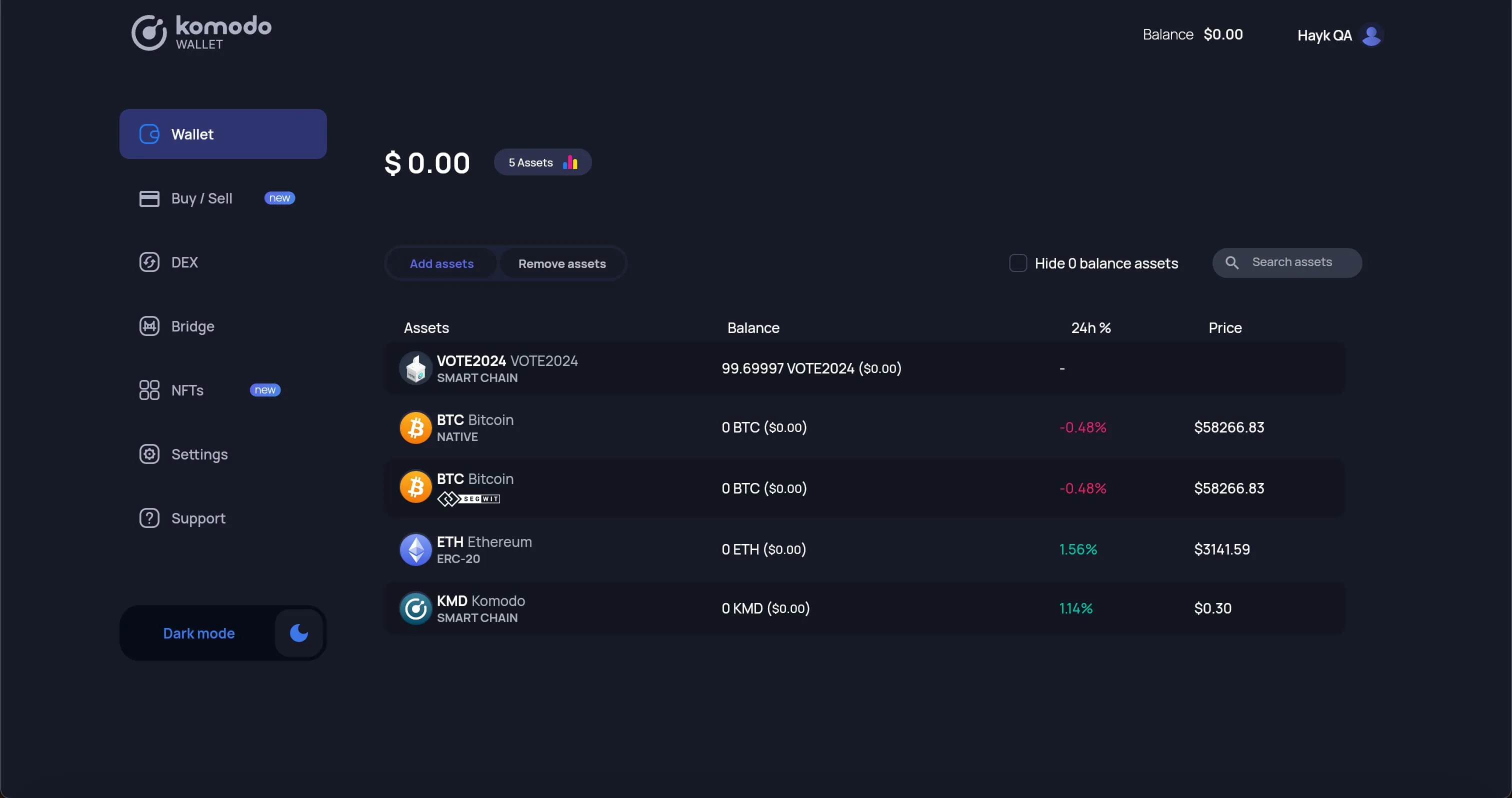
Open the Wallet tab and click the “Add assets” button.
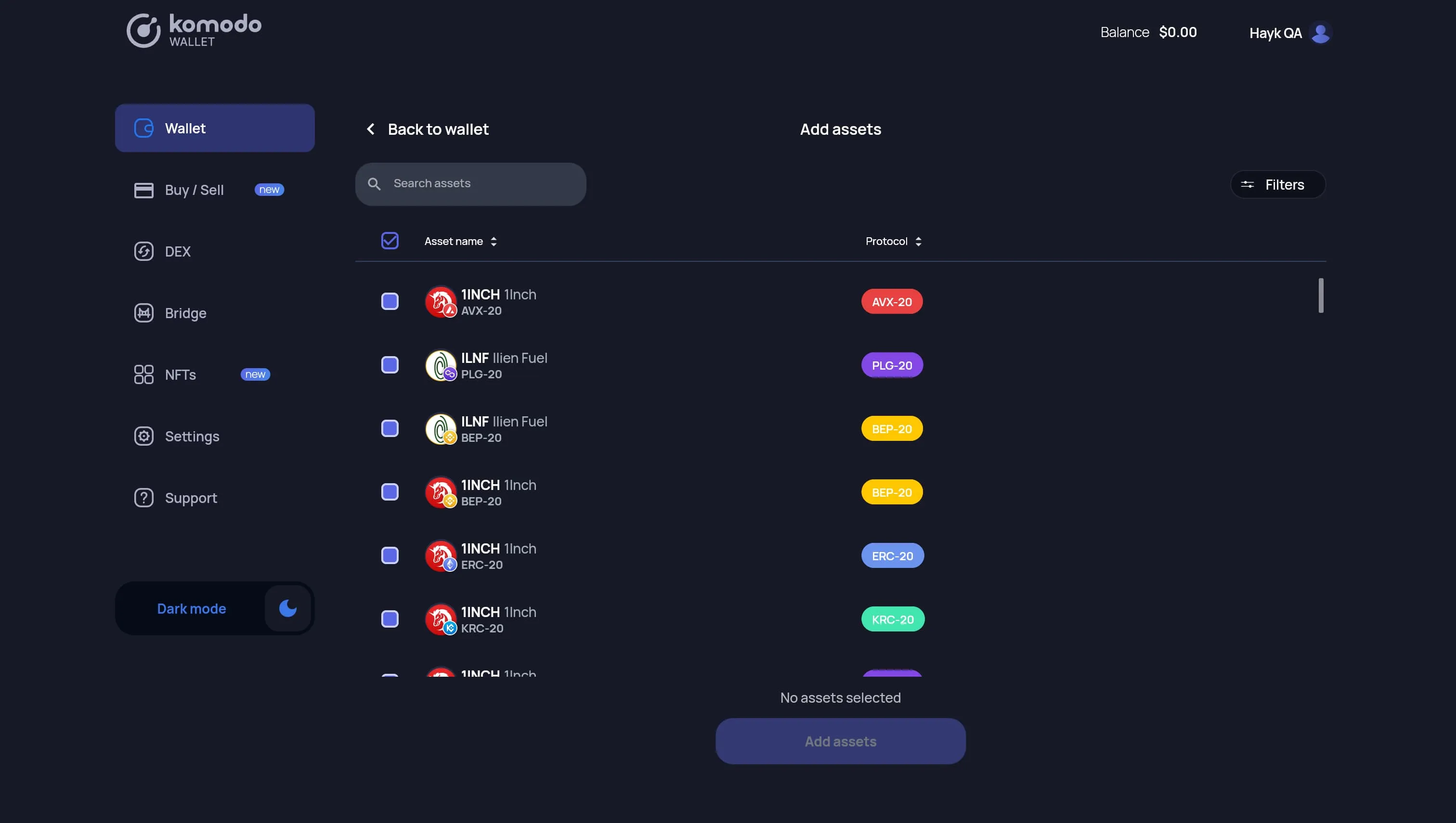
- You will see the complete list of available assets on Komodo Web Wallet.
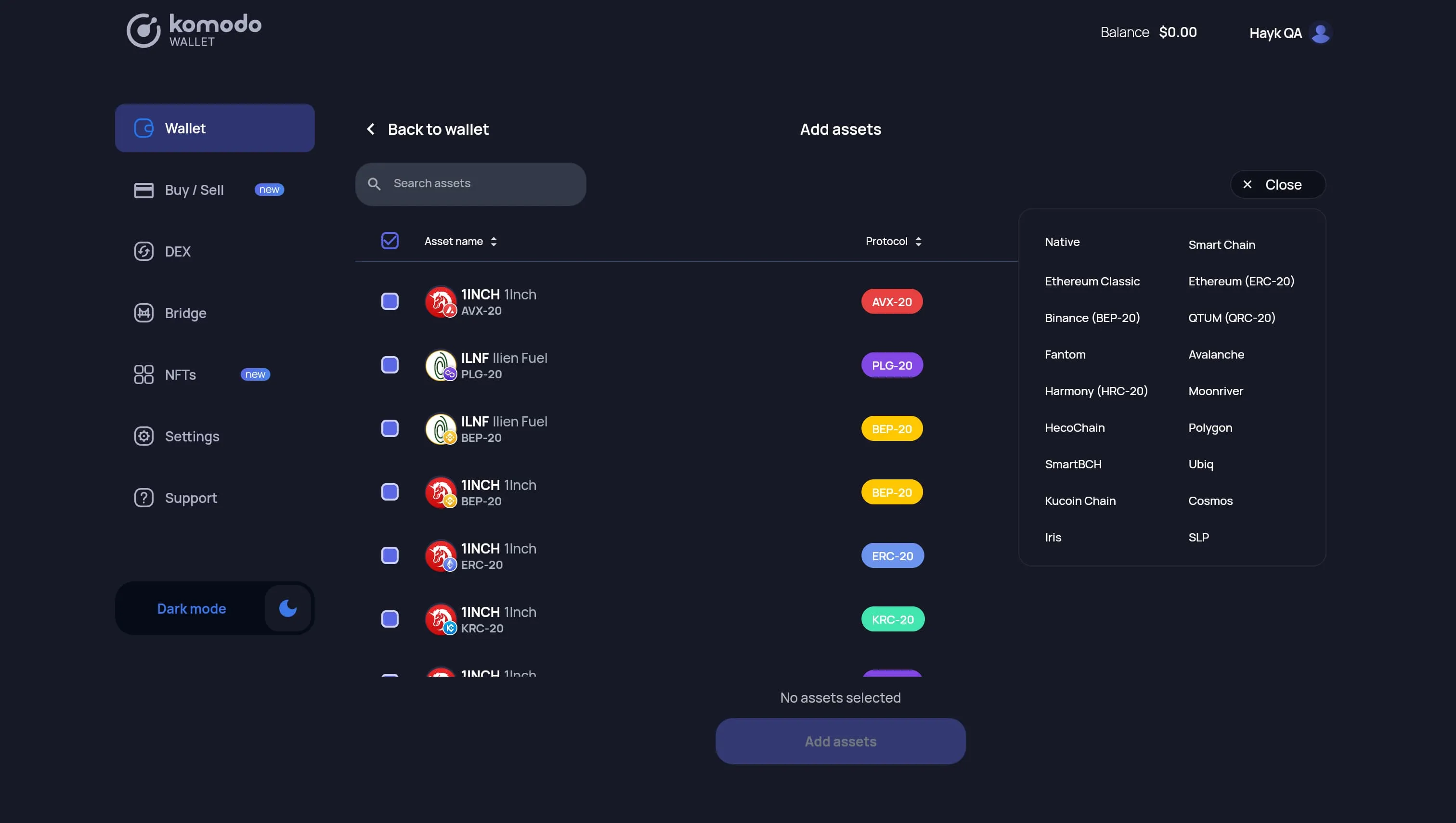
- Use filters to see only the Protocols you are interested in.
- Use the searchbar to filter by name or ticker.
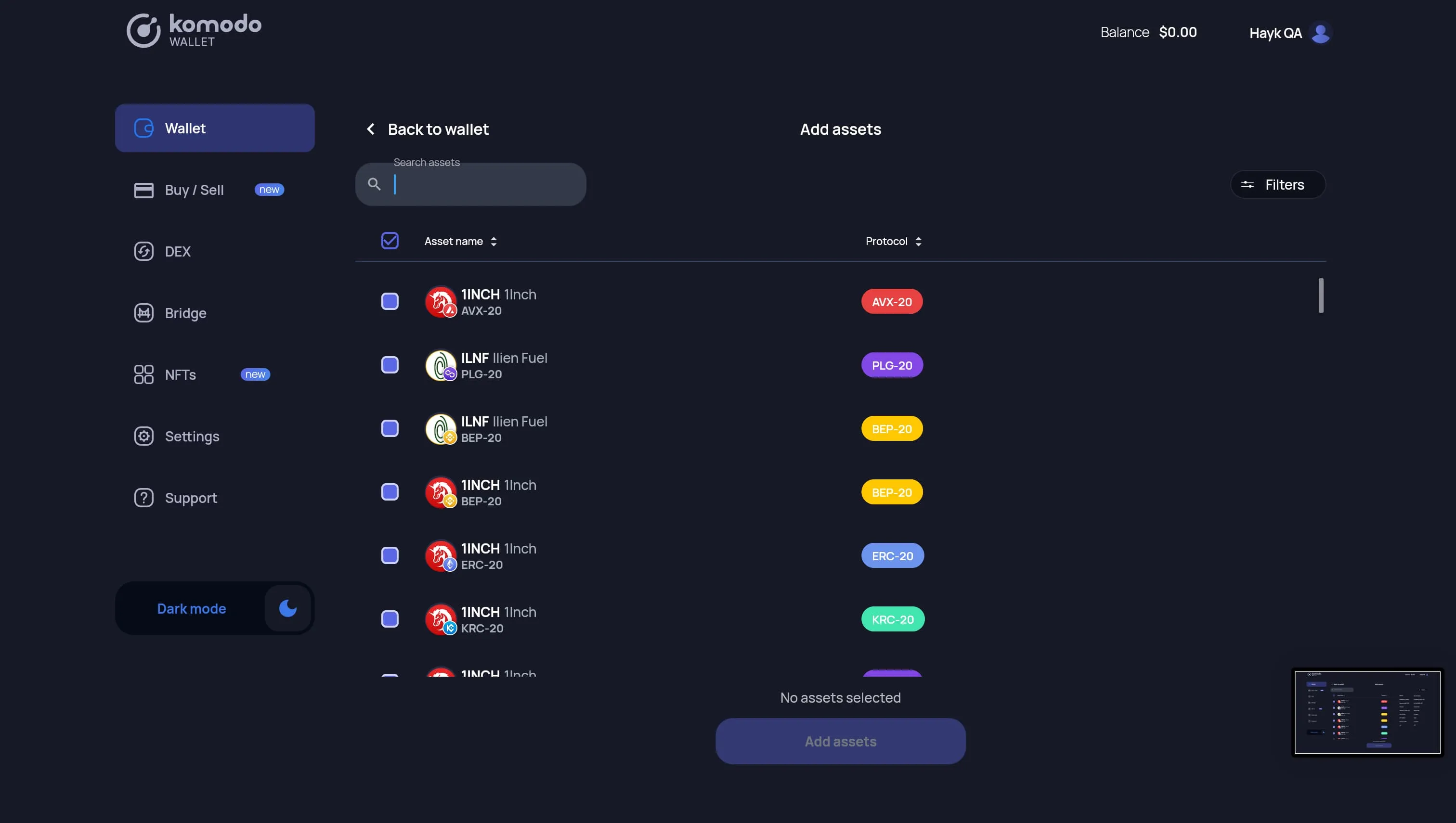
- Click the “Add assets” button to activate the selected coins. After clicking the “Add assets” button, you will see a “loading” spinner for a short period before being returned to the Wallet page.
- Once activation has completed, you will see your selected coins and balances on the wallet page.
- All activated coins will automatically be enabled again when logging this wallet on the same device until you deactivate them.