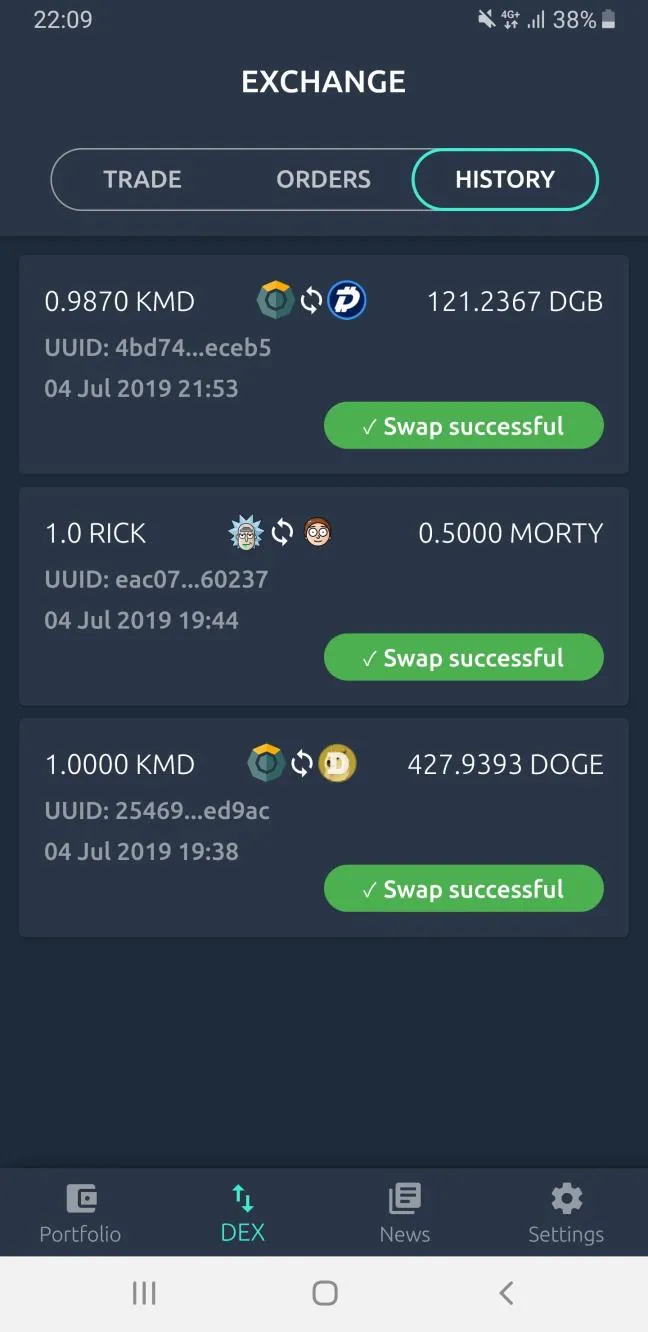
How to View Ongoing Orders and Swap History on Komodo Mobile Wallet
View Ongoing Swaps and Orders
-
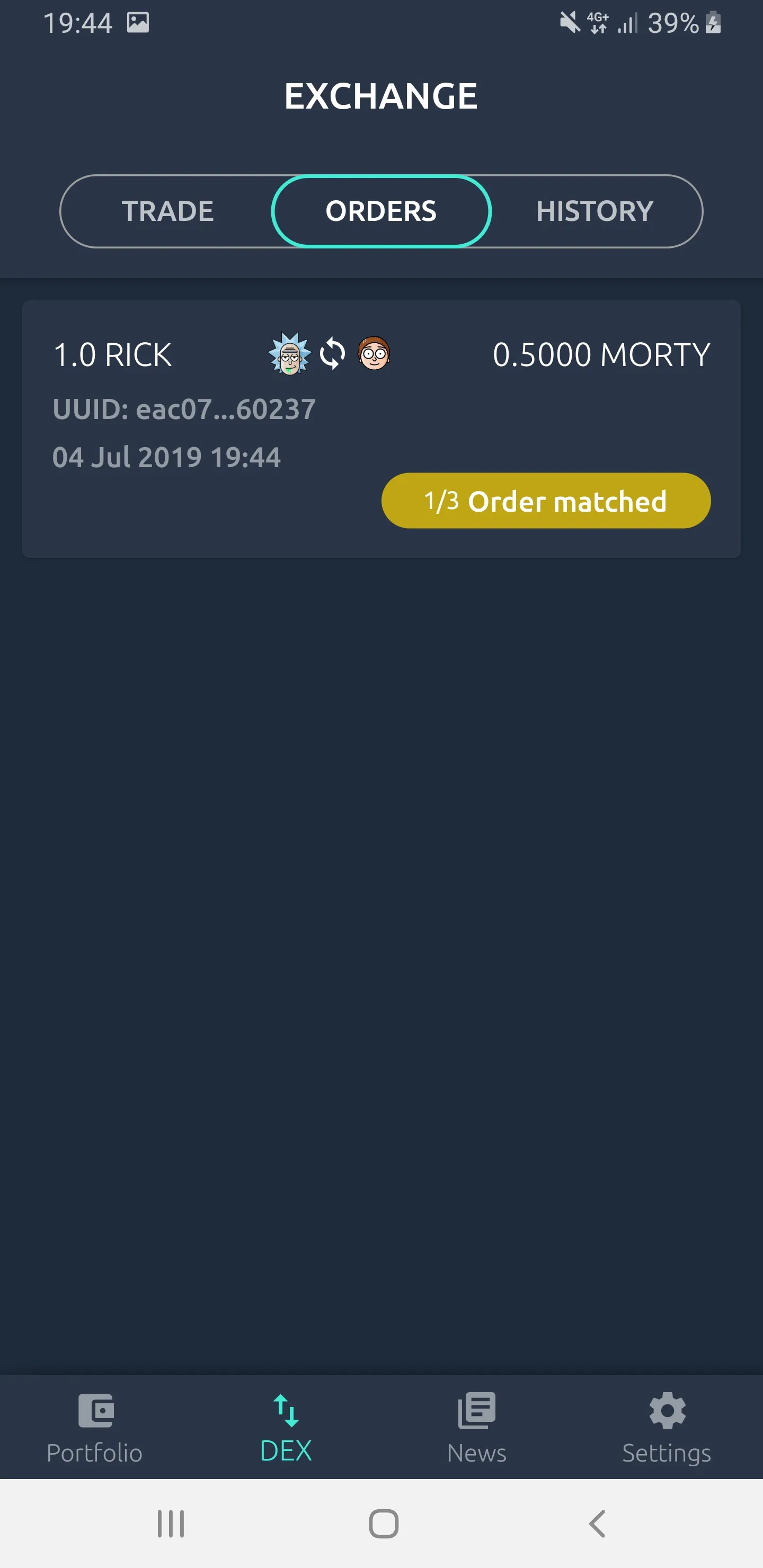
Click on the “DEX” tab at the bottom of the screen and swipe from right to left
-
Alternatively, click on the “ORDERS” button to view your ongoing swaps and your orders
View Your Swap History
The swap history tab is on the right of the “ORDERS” tab. You should see your swap history here.