
How to Use the Address Book in Komodo Wallet Mobile
What is the Address Book?
- The Address Book feature allows you to save wallets addresses for future reference. Saved addresses can be selected from a list when making a withdrawal.
Where is the address book?
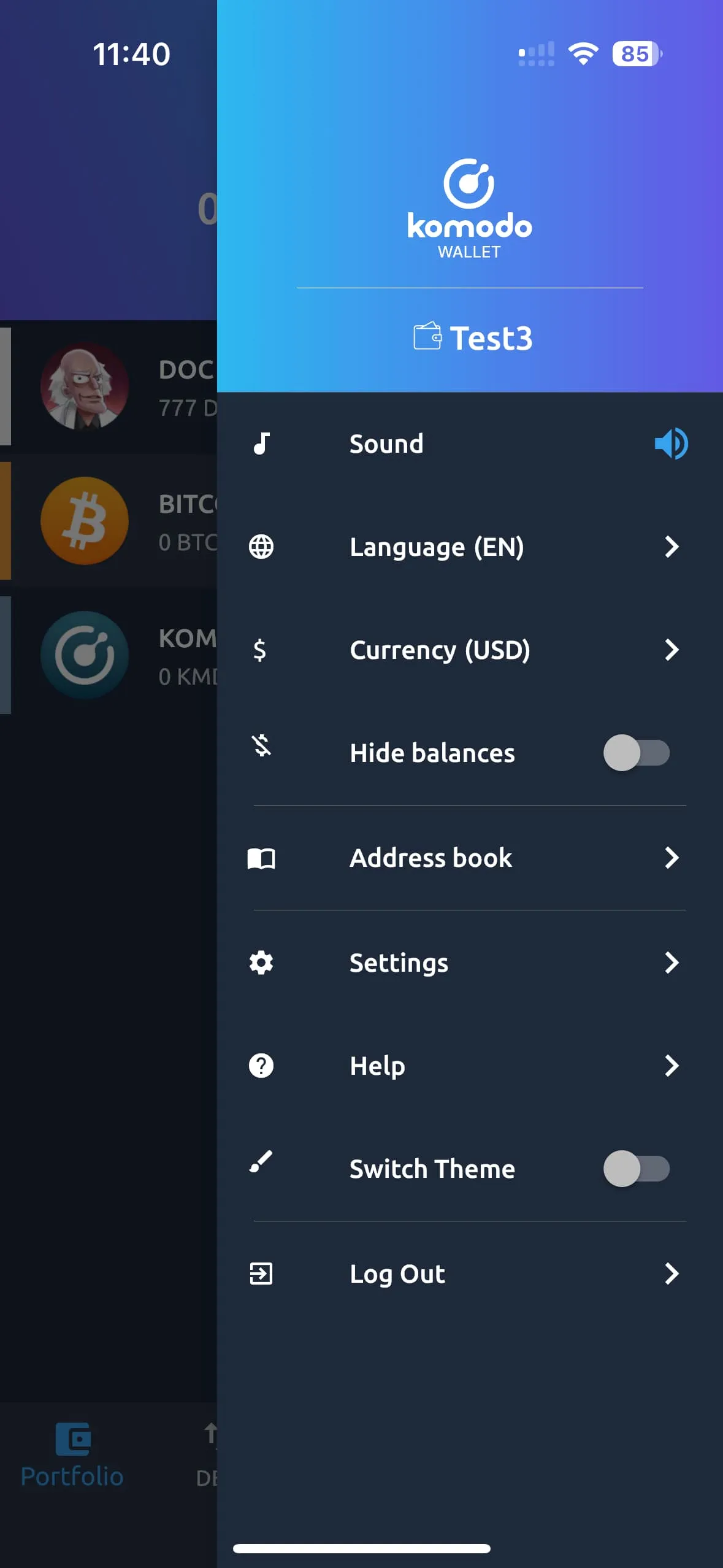
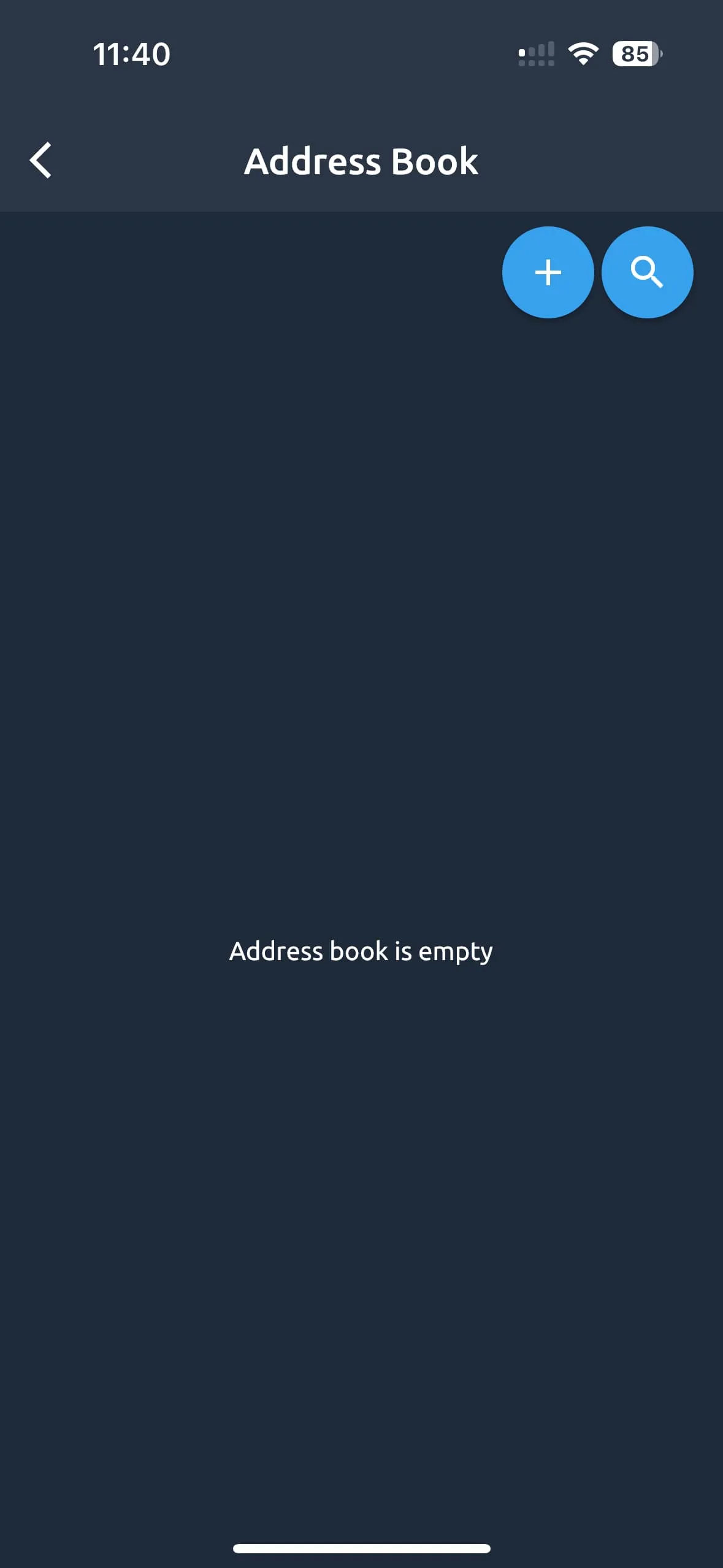
- You can find the address book via the sidebar. Click the “More” button to open the sidebar, then select the Address book:
How do I add contacts and addresses?
- Open the address book by the instructions above.
- Click the “plus” icon to start creating a new contact.
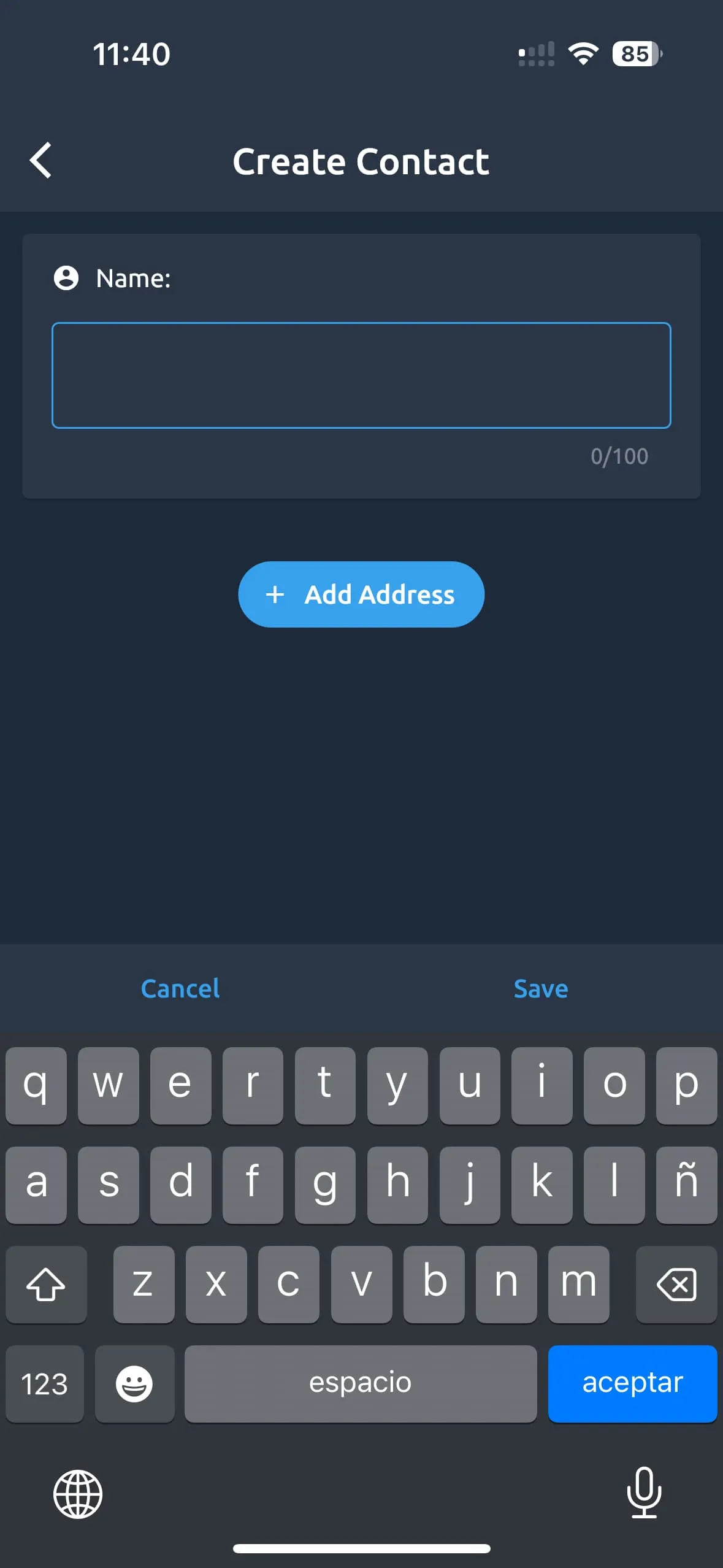
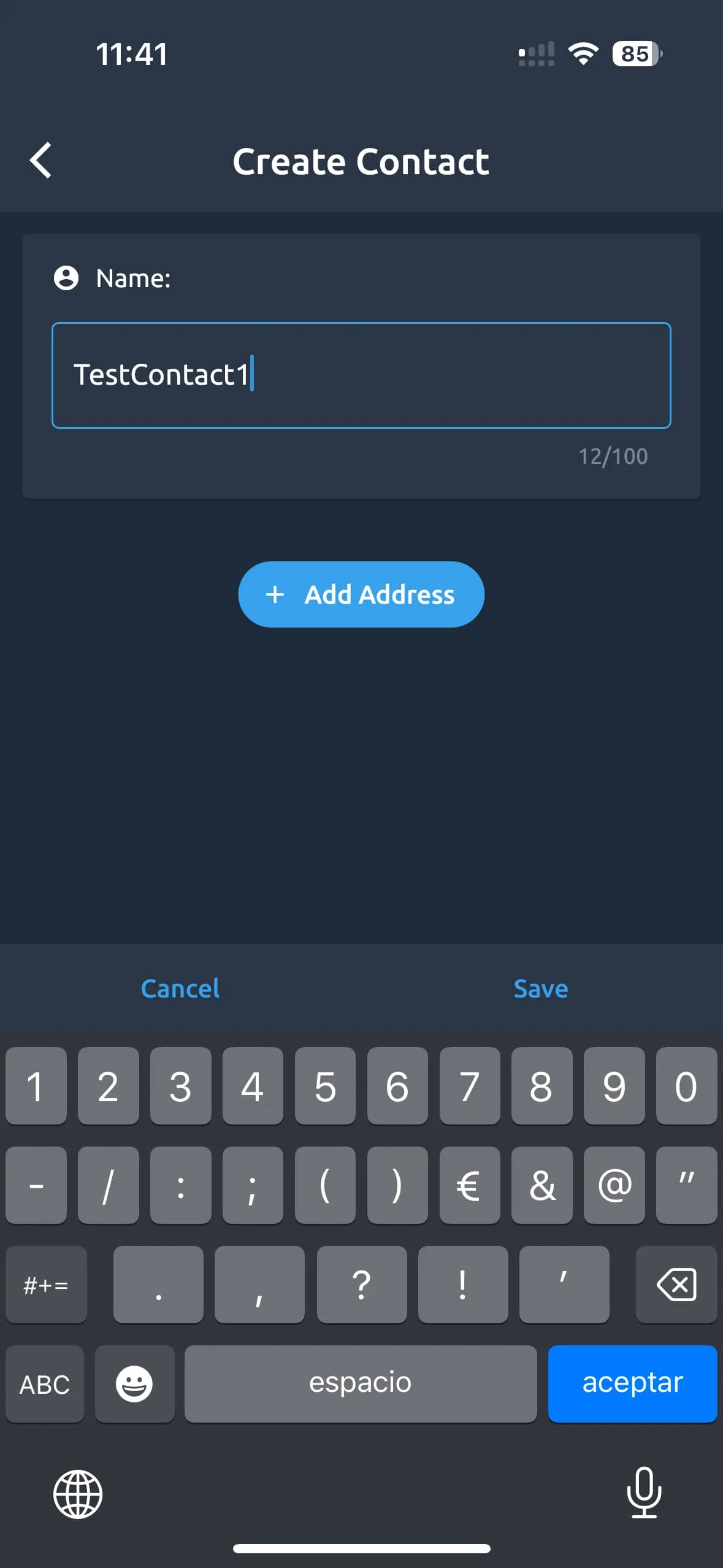
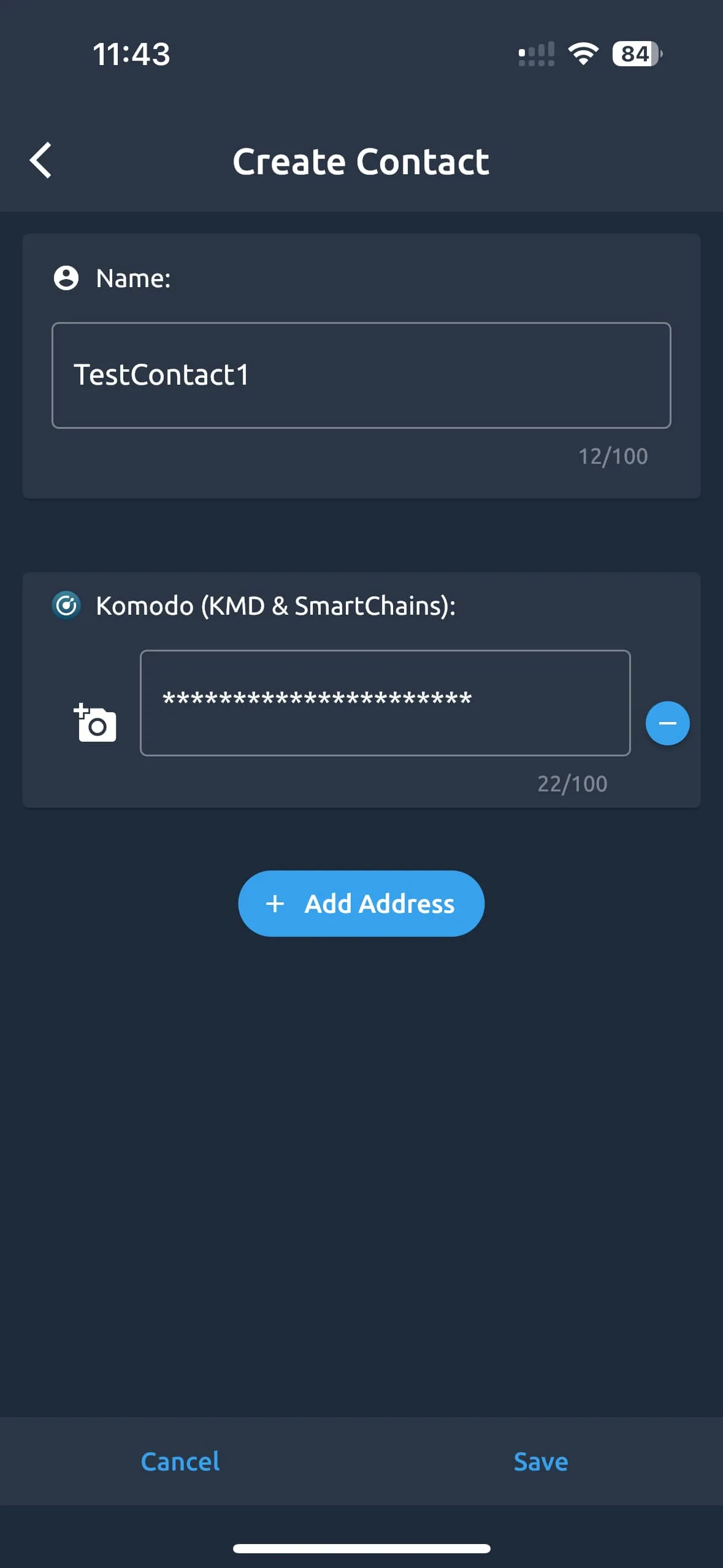
- Give a name to your contact. It can be the name or nickname of the person whose wallet it is to remember it better and not confuse it with other contacts.
-
Press the “Add address” button.
-
Select a coin which addresses you want to add for this contact.
- Note: addresses will be different for each protocol, but coins with the same protocol have the same address.
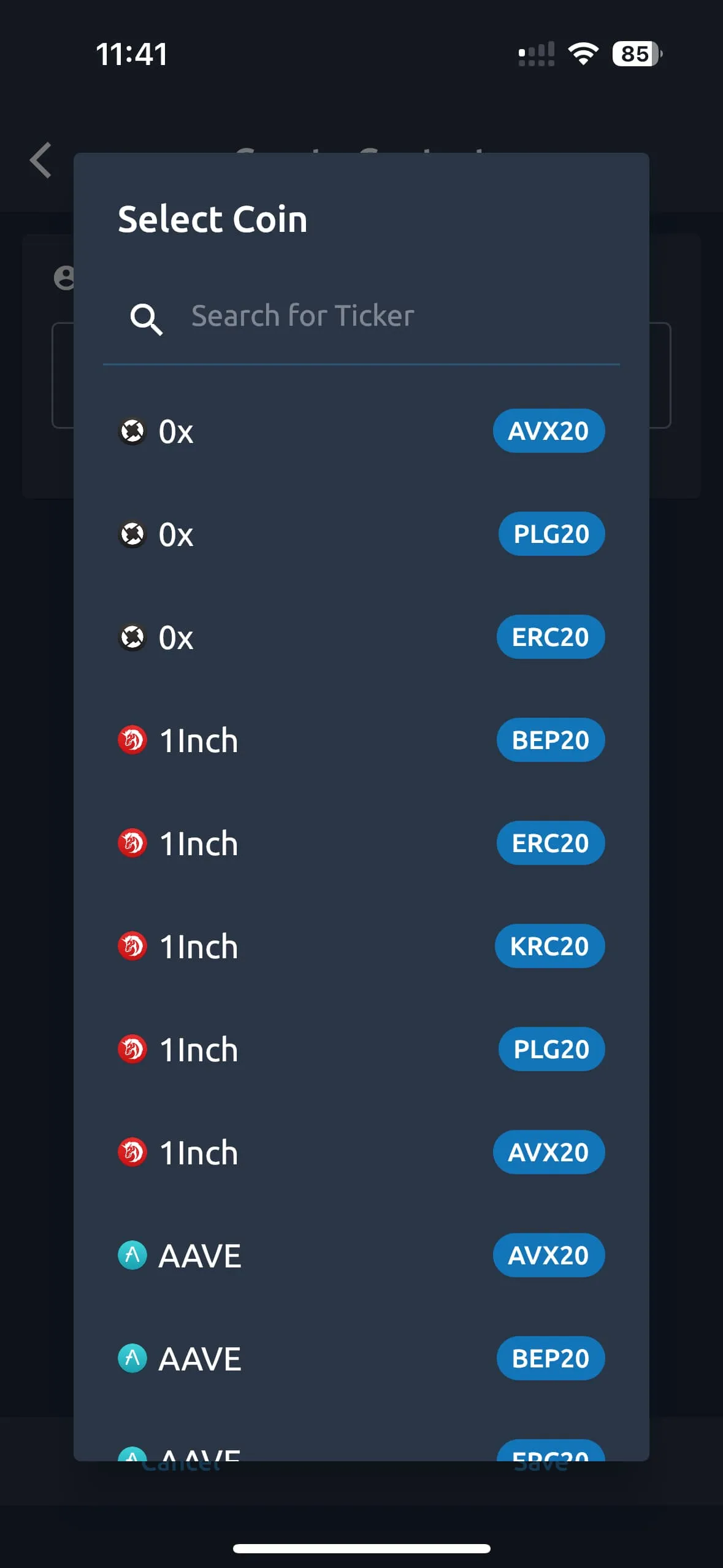
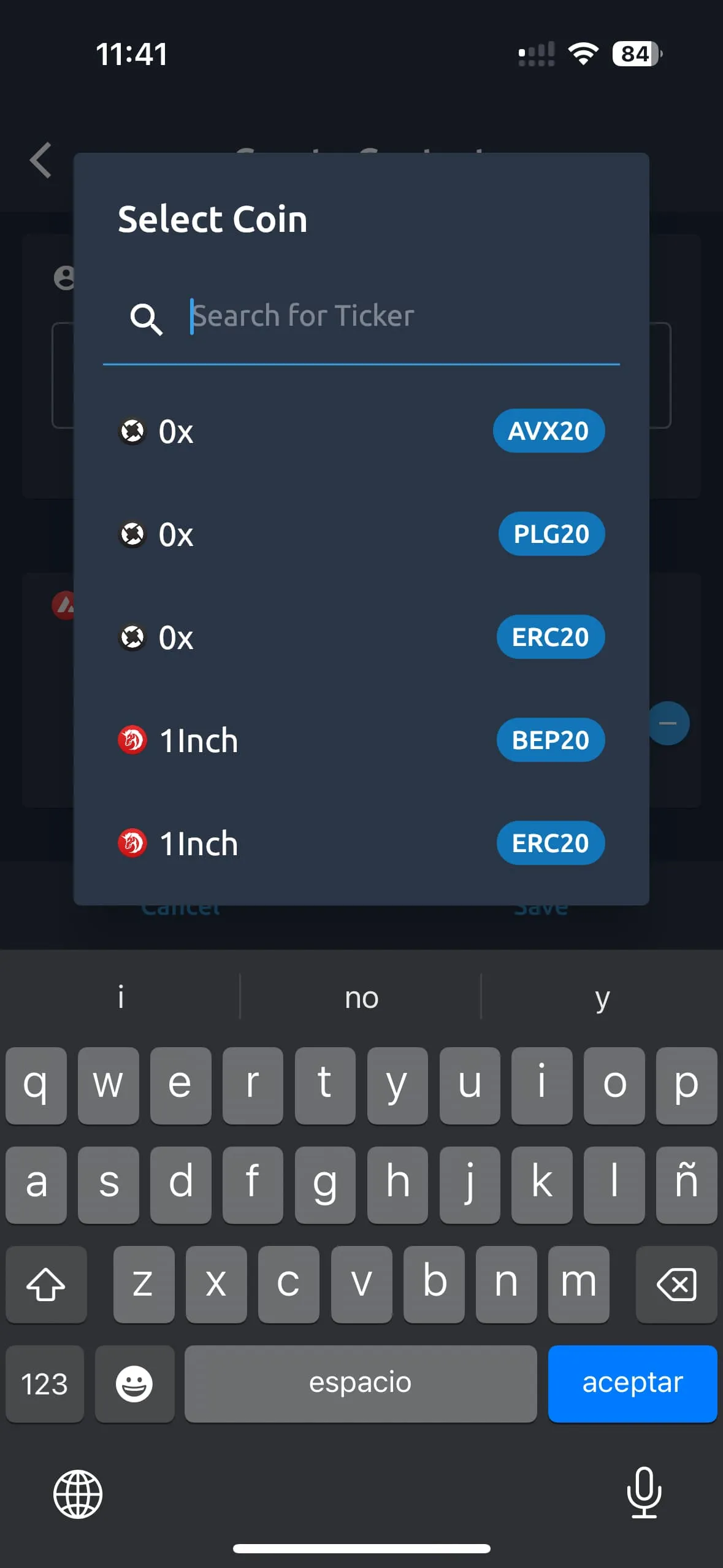
- You can use the search field to find it faster:
- Enter the address in the appeared input field. You can use the QR code scanner:)
- Click the “Save” button to finish and save new contact and addresses.
- You can add as many contacts and addresses as you wish.
- Also, you can edit and delete existing contacts.
How to use the address book?
- You can use the address book to send assets faster with a few clicks. Just click the address book icon in the address input field and click the contact and address which you want to use and send funds.